Skip to content

Product tour

See how onPoint works in two minutes

Five stops through a real workspace, from planning your morning to keeping a project on track.

1 · Start your day

My Day: a private plan for today

Pull in tasks from every team and project, give them a time block and work down the list. Nobody else sees your plan, not even team admins.

  • Suggestions from due and overdue work
  • Time blocks that fit around your calendar
  • Unfinished items roll over to tomorrow
1 of 5
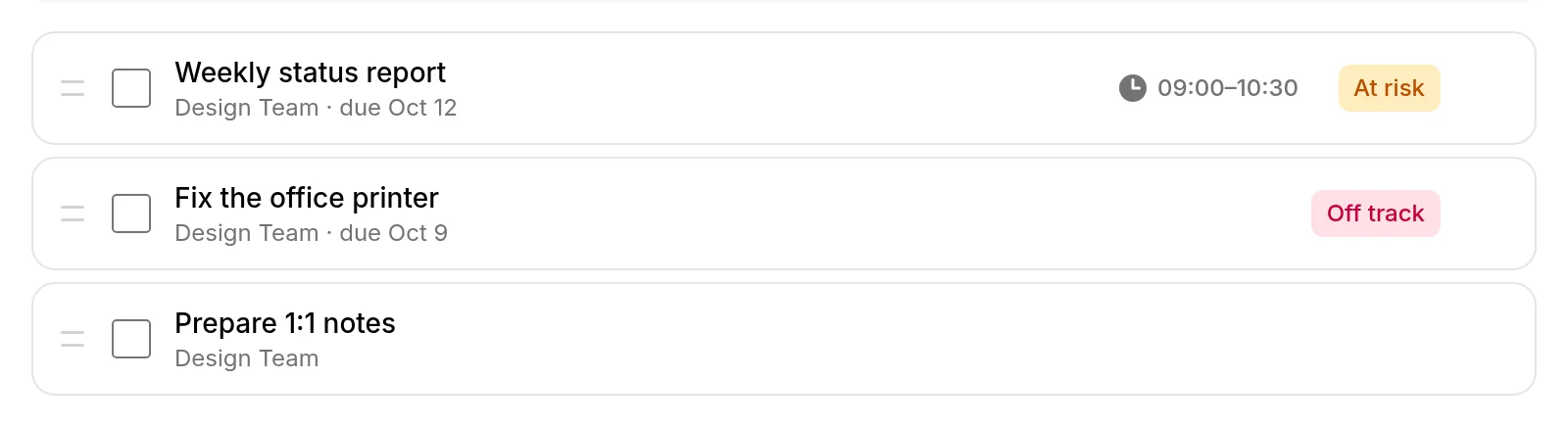
The My Day screen listing three planned tasks with time blocks

2 · Post an update

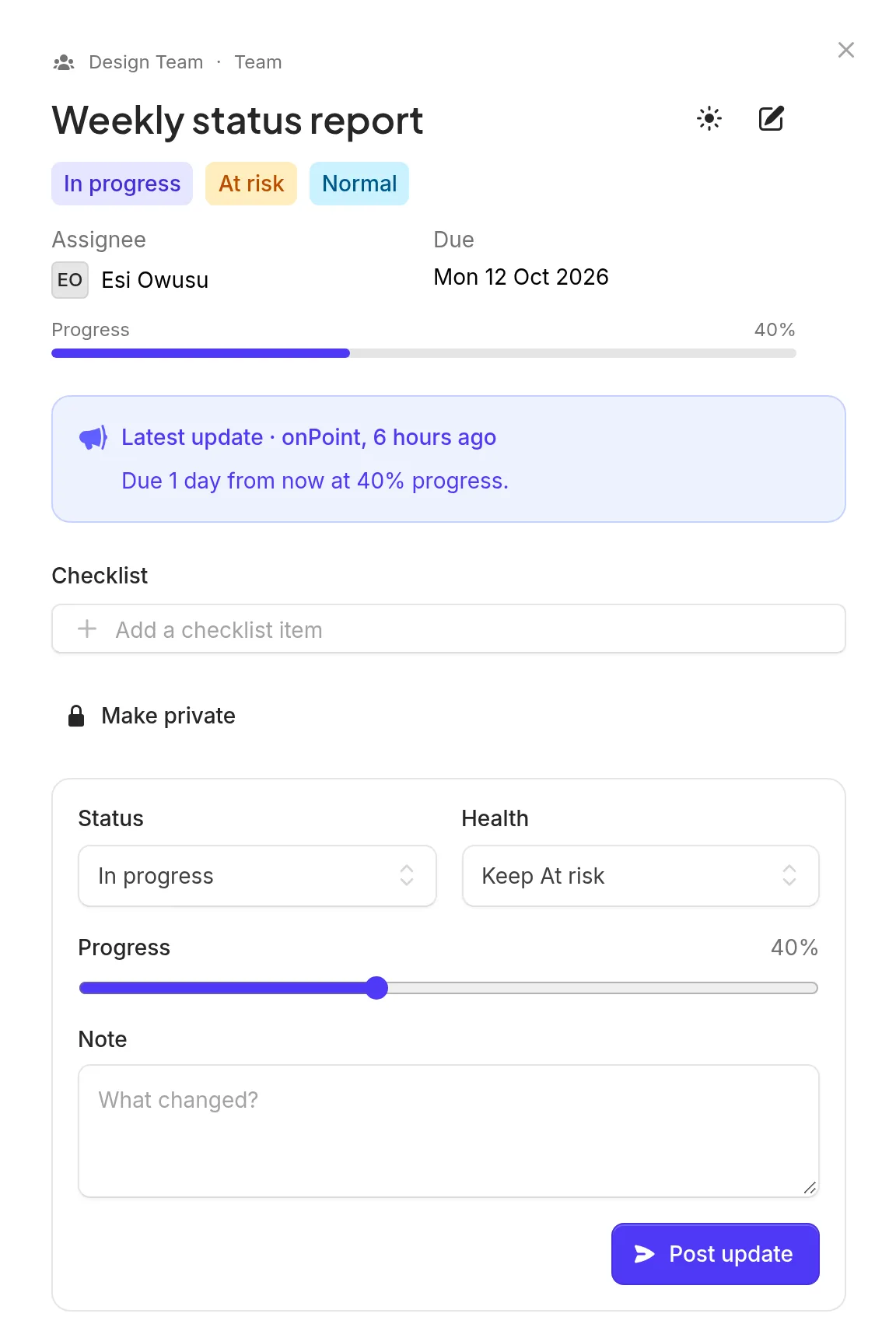
Every task carries its latest status

Open any task to change its status and progress and add a short note. The note becomes the task’s headline, so the team knows where things stand without a meeting.

  • Status, progress and a note in one step
  • Blocked work has to say why
  • Full history on the task’s timeline
2 of 5
A task drawer showing status, progress and a history of updates

3 · See the whole picture

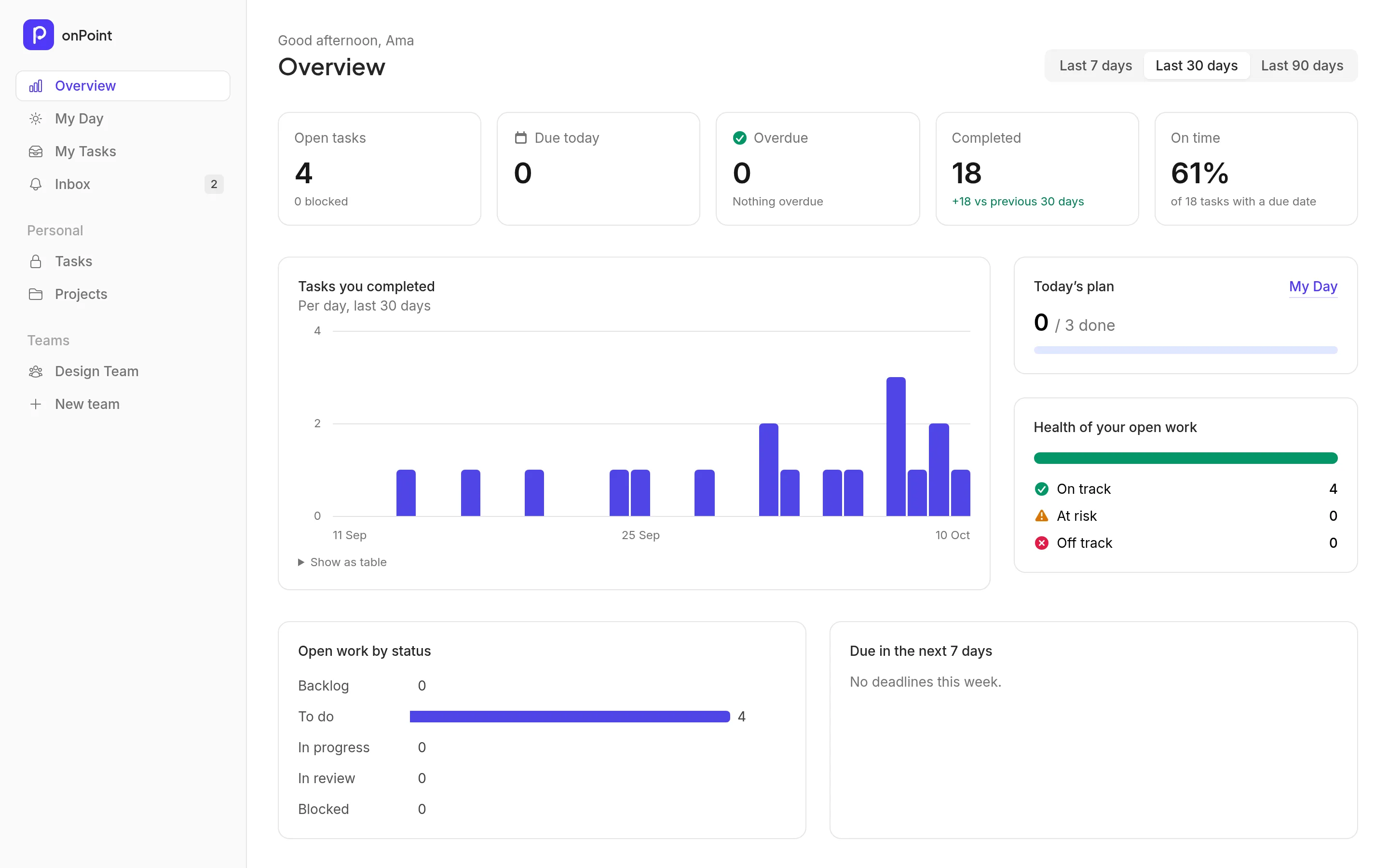
An overview that flags trouble for you

Health turns amber or red on its own when work is overdue, stuck or quiet, and goes back to green when the problem clears. Charts show what got done and what is coming.

  • Automatic health with plain-language reasons
  • Completed work per week
  • What is due in the next seven days
3 of 5
The overview dashboard with statistics tiles and charts

4 · Plan the project

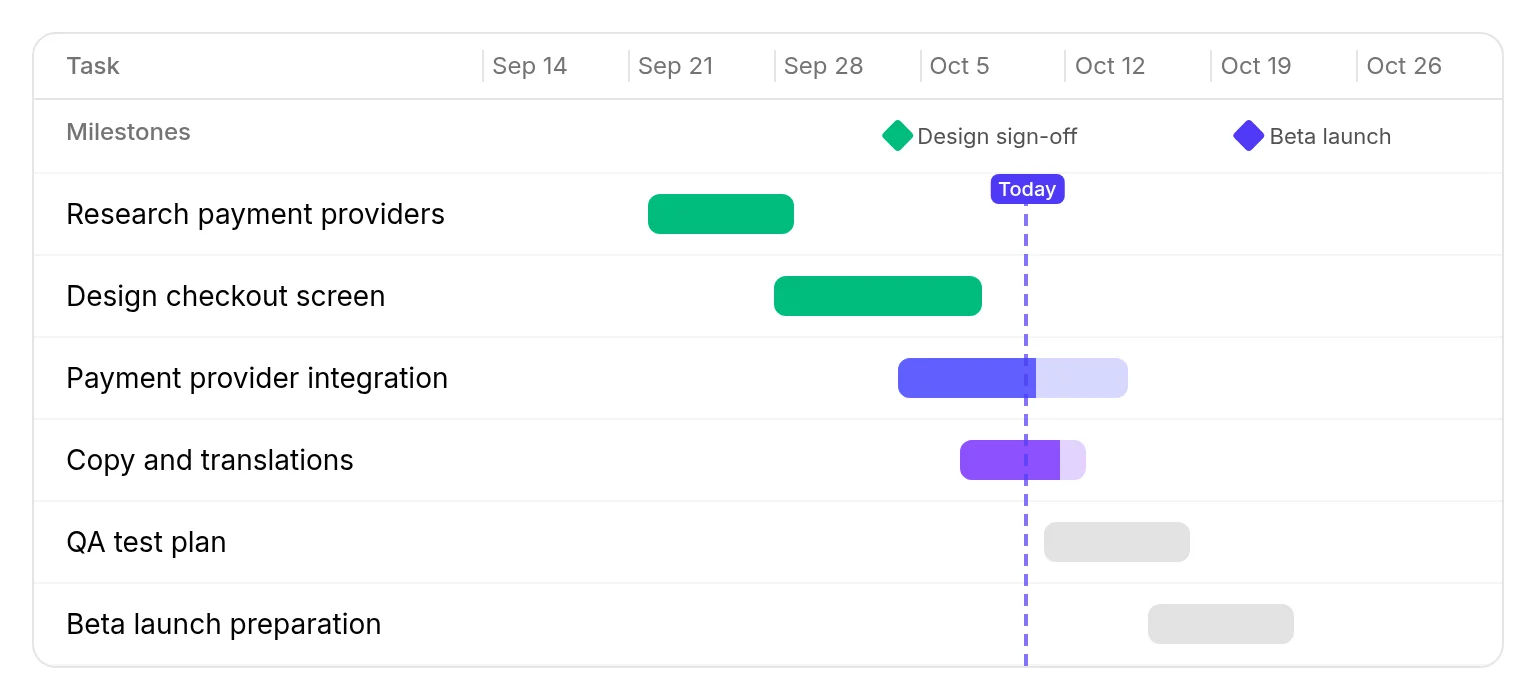
A timeline anyone can read

Tasks with dates become bars that fill up as progress is posted. Milestones mark what lands when, and a line shows today.

  • Bars fill as work progresses
  • Overdue work stands out
  • Click a bar to open the task
4 of 5
A project timeline with task bars, milestones and a today marker

5 · Stay in tune

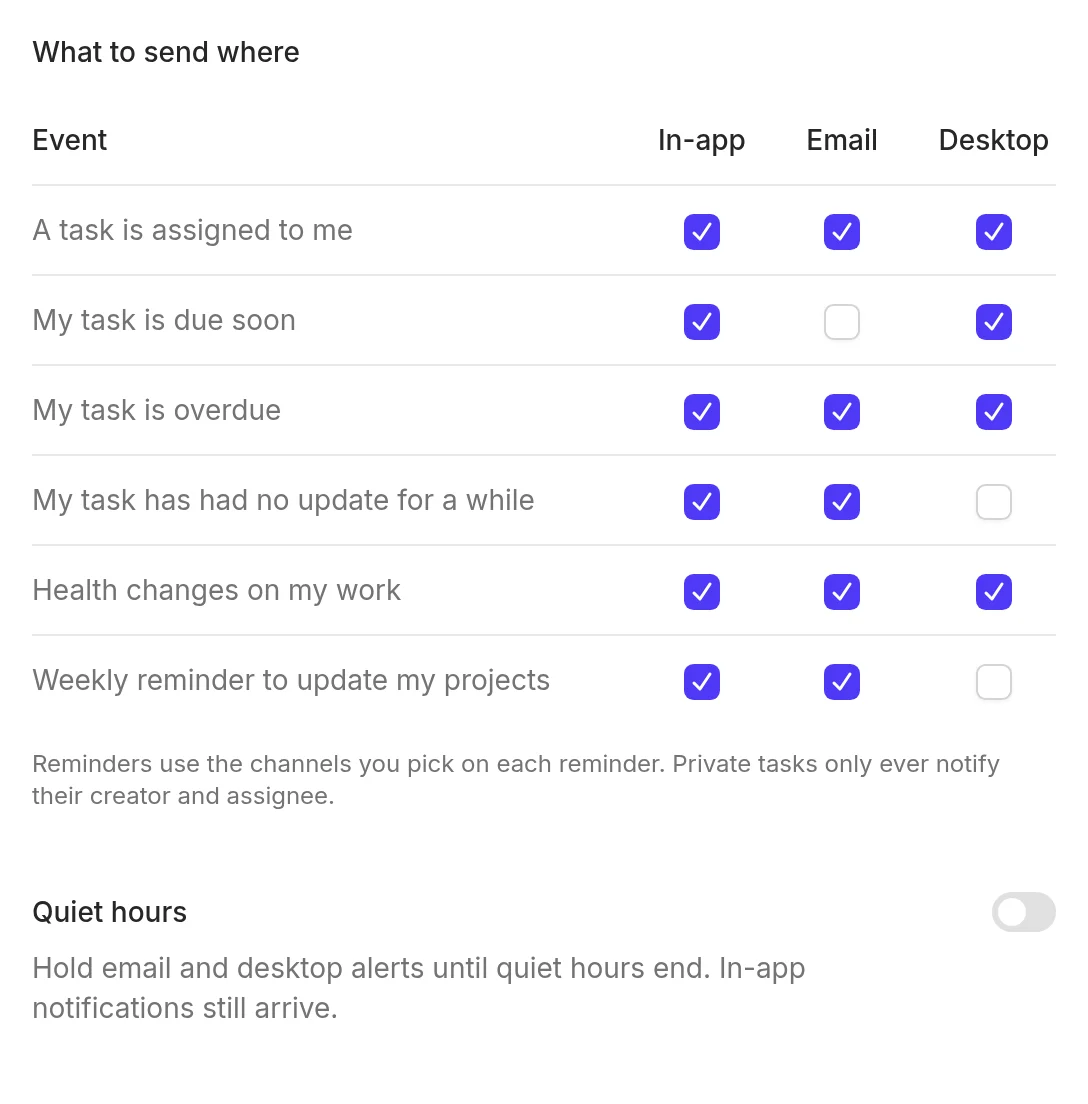
Reminders and alerts on your terms

Get desktop notifications and email when work is assigned, due or blocked. Set quiet hours and choose which channels you want for each kind of alert.

  • Desktop and email notifications
  • Repeating reminders
  • Quiet hours and a morning digest
Notification settings with channels for each kind of alert

Try it with your own work

Free for small teams, no card needed. A short guided tour shows you around the first time you sign in.